SalesQL
One click, a system of rules behind it
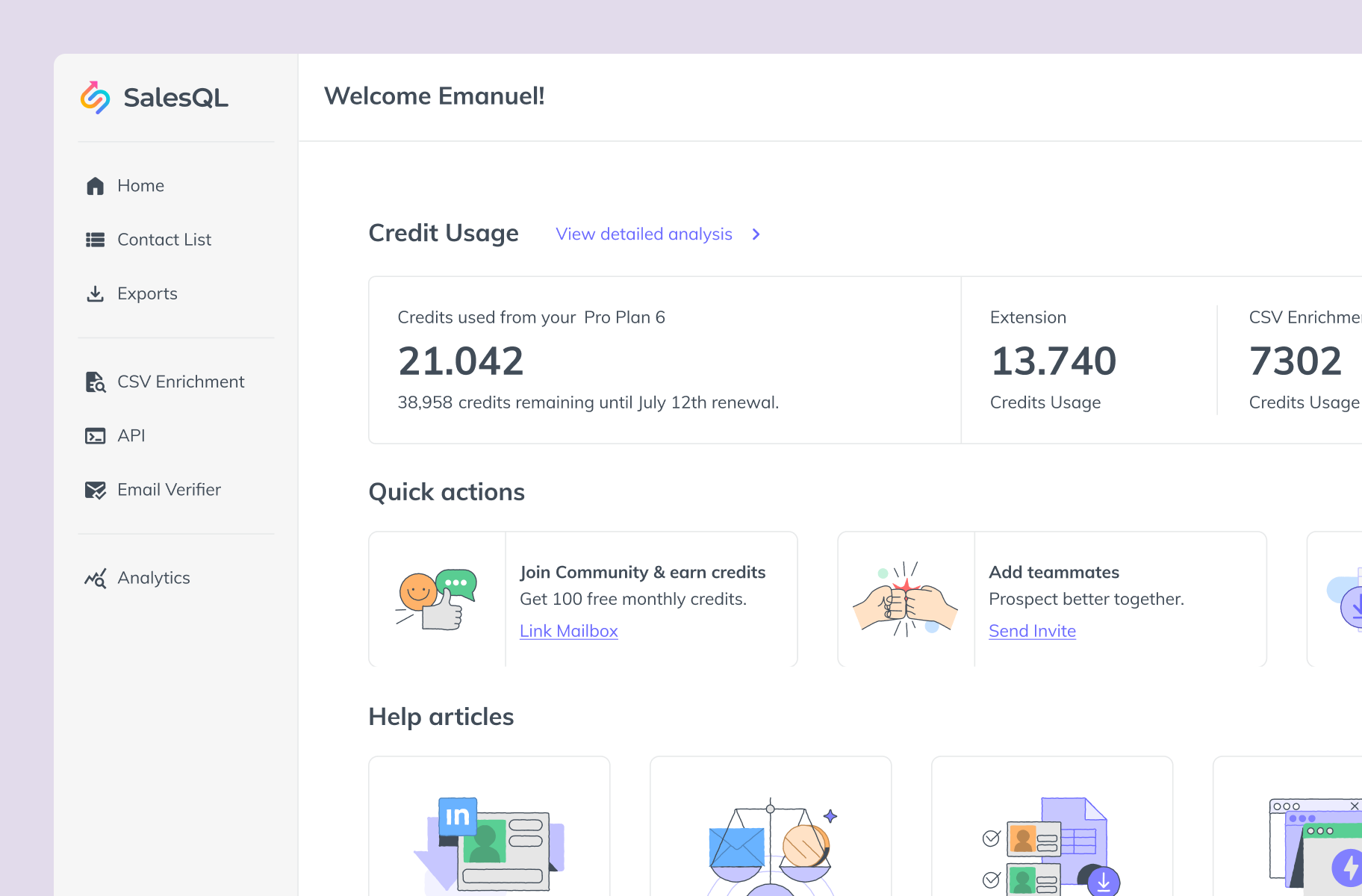
SalesQL gives sales and recruiting teams verified emails and phone numbers straight from LinkedIn. The promise is one click. Behind that click sits a dense system: credits, reveal states, email categories, workspaces, teams, plans and integrations. We embedded with their product team for more than five years to keep that system legible while it grew from a browser extension into a prospecting platform.

Two jobs, one dataset
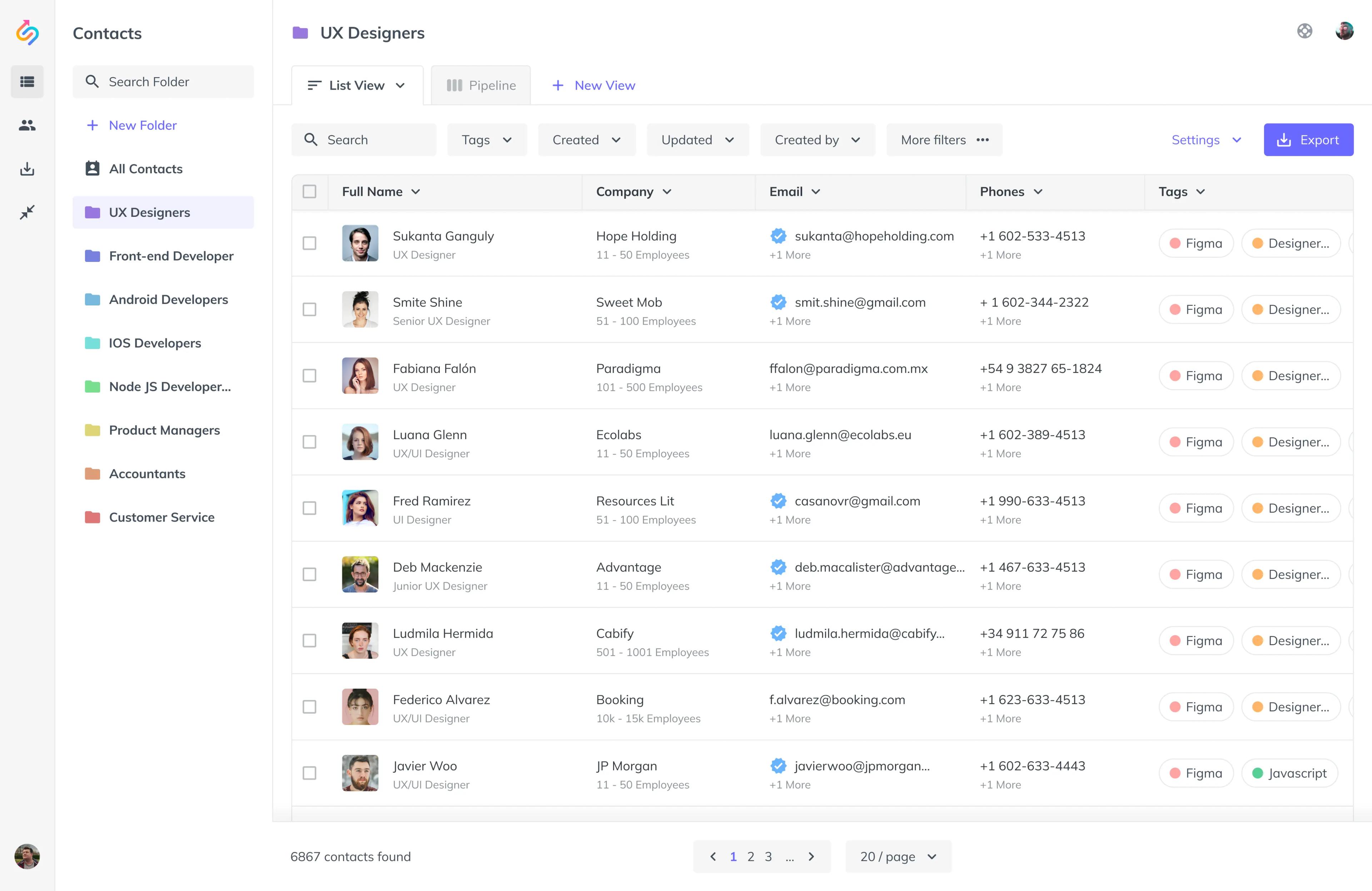
The same contact record serves two very different experts. A recruiter runs dozens of searches for one role and needs to back up candidates before they go cold. A salesperson reveals a saved Sales Navigator search in one step and pushes it to a CRM or a campaign. Same data, different decisions, different cost of a mistake.
When we started, the extension had critical issues in interaction, information architecture and onboarding, and the web app, where users actually manage their pipeline, wasn't keeping up with how teams worked.
Designing the rules, not just the screens
The hard part of SalesQL was never a screen. It was the rules nobody saw:
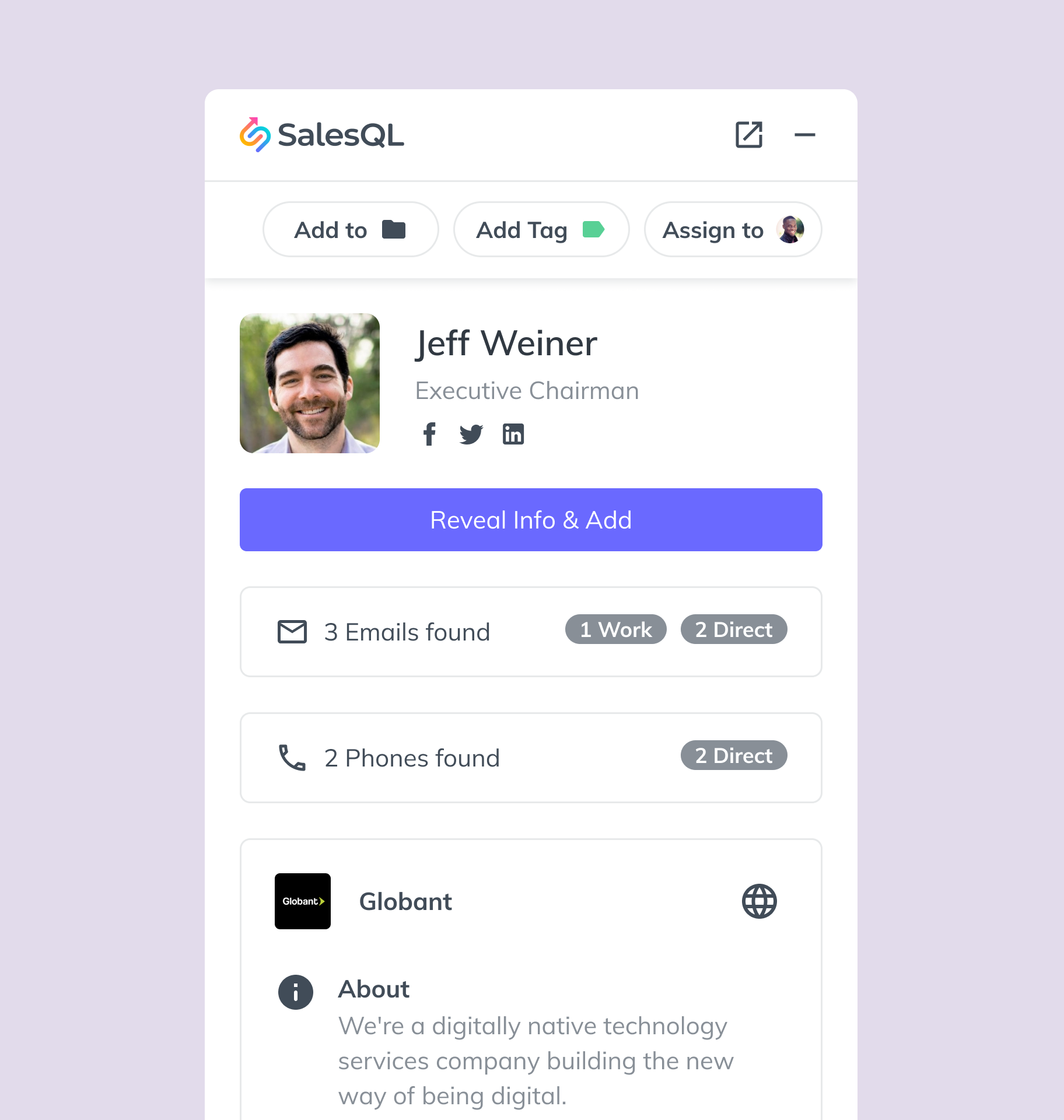
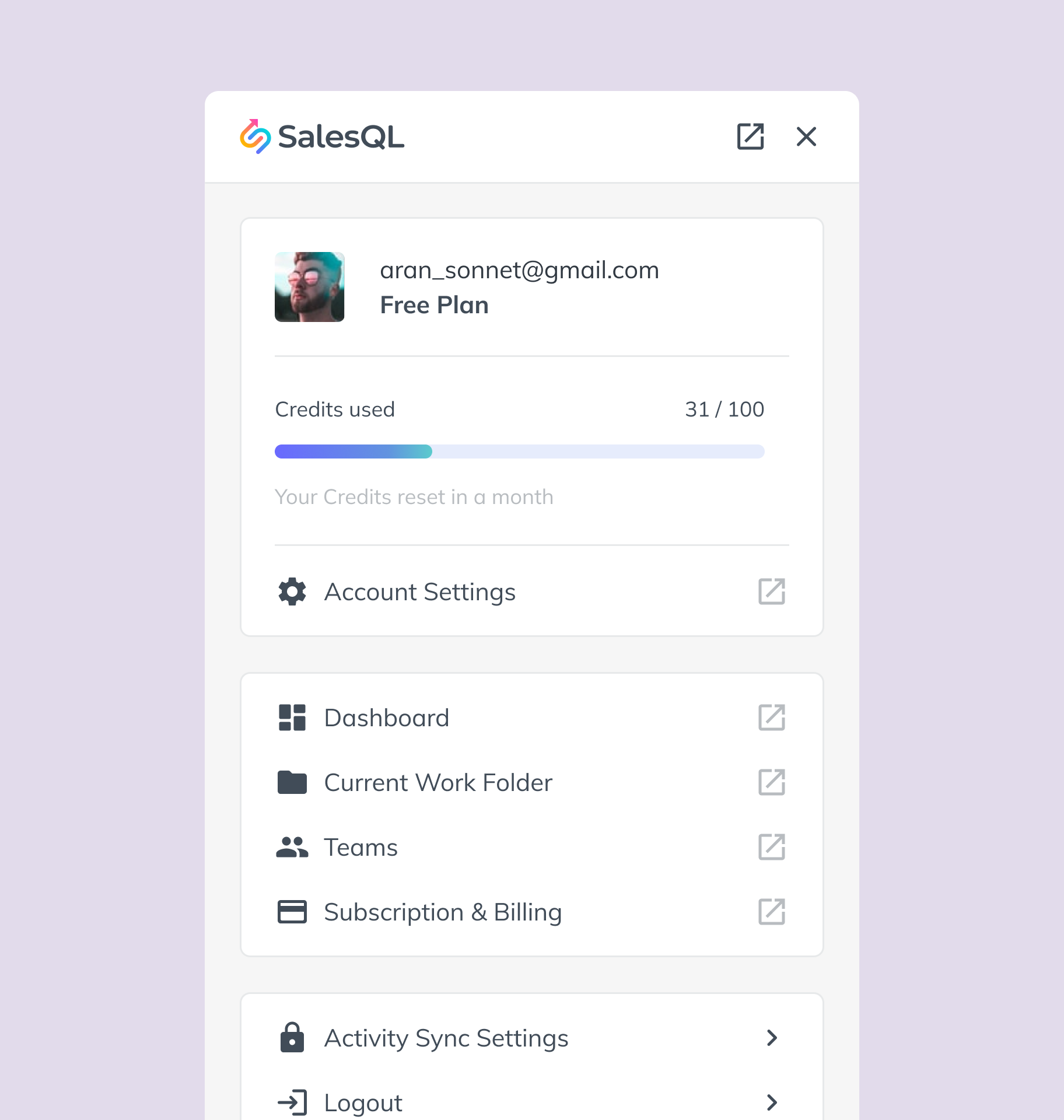
- Reveal states. Every email is either revealed (usable) or locked, and revealing costs credits.
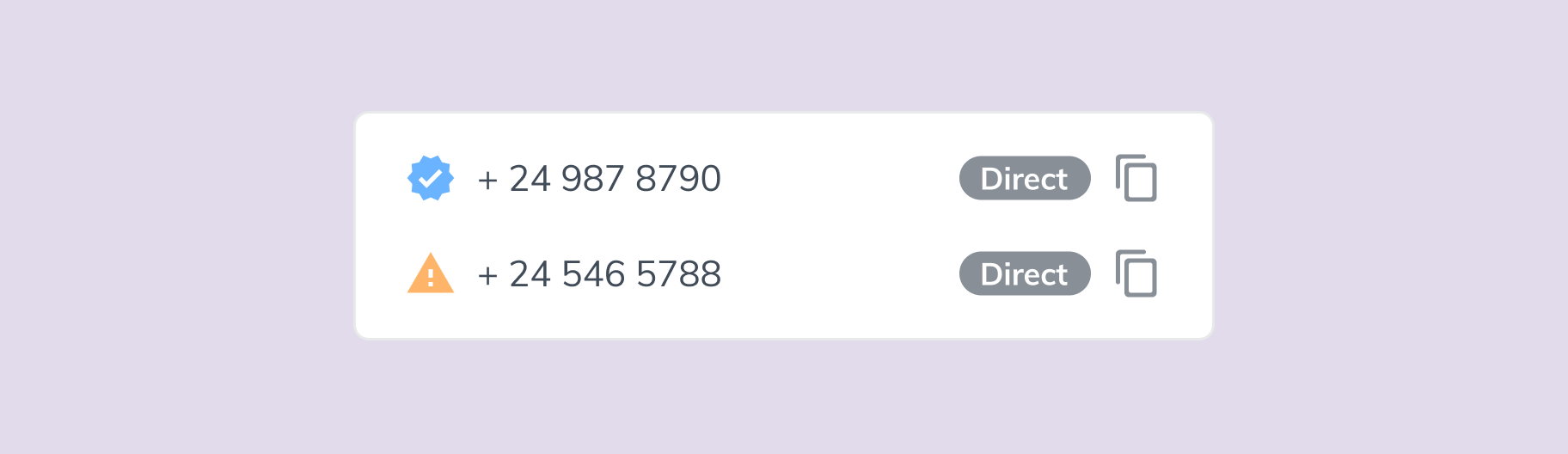
- Email categories. Work, Direct, Verified, Unverified. Each one changes what a user can safely do with a contact.
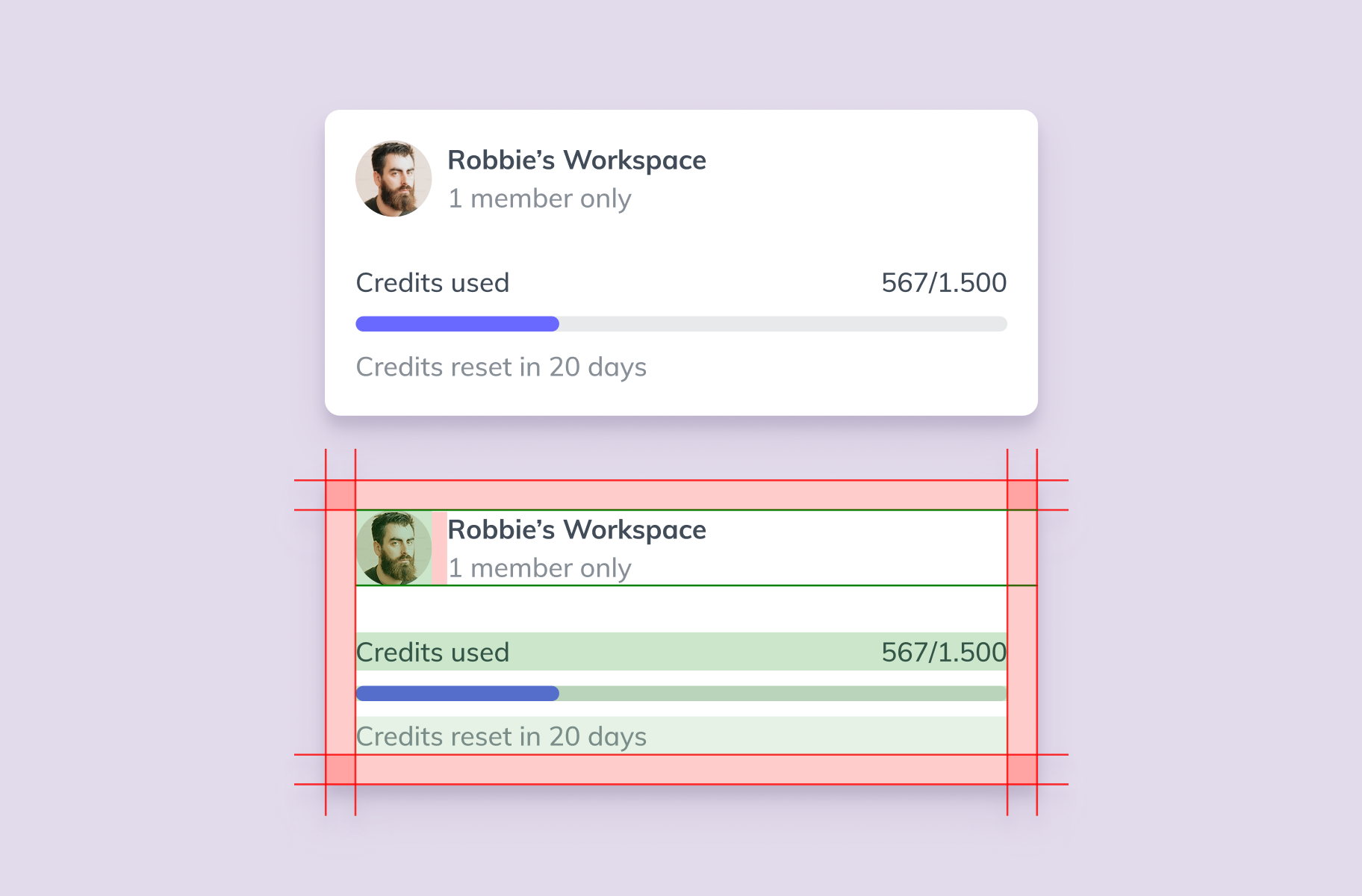
- Workspaces and roles. Single and multiple workspaces, managers inviting teams, shared folders.
- Plans and billing. What happens when a plan isn't found, an upgrade fails, or a team outgrows a seat.
We mapped these as first-class elements of the product, so the extension, the web app and billing all spoke the same language.
A decision in detail: adding contacts to a campaign
Campaigns looked like a simple feature: pick contacts, send a sequence. The system said otherwise. Only revealed emails can be sent to, and a contact can have several emails in different categories. That produced three contexts that each needed their own design:
- Bulk selection from a table. The user can't see each email, so the system must say before confirming: "X contacts will be added, Y will be left out because they have no revealed emails."
- A list or segment: the same category filter, plus a preview of how many contacts and emails will actually go out.
- A single profile: the user picks the exact email; locked ones are blocked or offered for reveal.
The result: no silent failures, no wasted credits, no sequence sent to the wrong address.

Research with the people paying for it
We ran interviews with real customers on subscriptions and billing, and research on how campaign builders work across tools. Decisions about plans, upgrades and limits were made against what customers actually said, not assumptions.
A library that let the product scale
We built and maintained SalesQL's design library: components, variants and the documentation developers need to implement every scenario without guessing. It kept the extension (Classic and Lite), the web app and the public pages consistent, and shortened the path from design to code. Later we audited it again to keep it healthy as the product moved faster.
Their designs are not only visually refined but also remarkably intuitive.
What the product can become next
The market converged: sequencing tools added contact data, data tools added sequencing. In that race, speed matters, and AI changed the cadence. Late in the engagement, a new public directory went from idea to production in days. What made that possible was years of clean rules, a shared vocabulary and a library that lived in design and code.
We design systems, not screens.